Show summary Hide summary
- Why an AI sports camera makes sense for parents
- Subscription-free operation: the Falcon’s main selling point
- Price comparison and what you actually pay
- Key specifications you should know
- How the Falcon differs from the Chameleon model
- Setting up the Falcon at a youth soccer game
- Real-world tracking: how it performed on the field
- When things go wrong: common quirks and limitations
- Troubleshooting odd behaviors and connectivity
- Practical tips for reliable results
- Support, updates, and how performance can improve over time
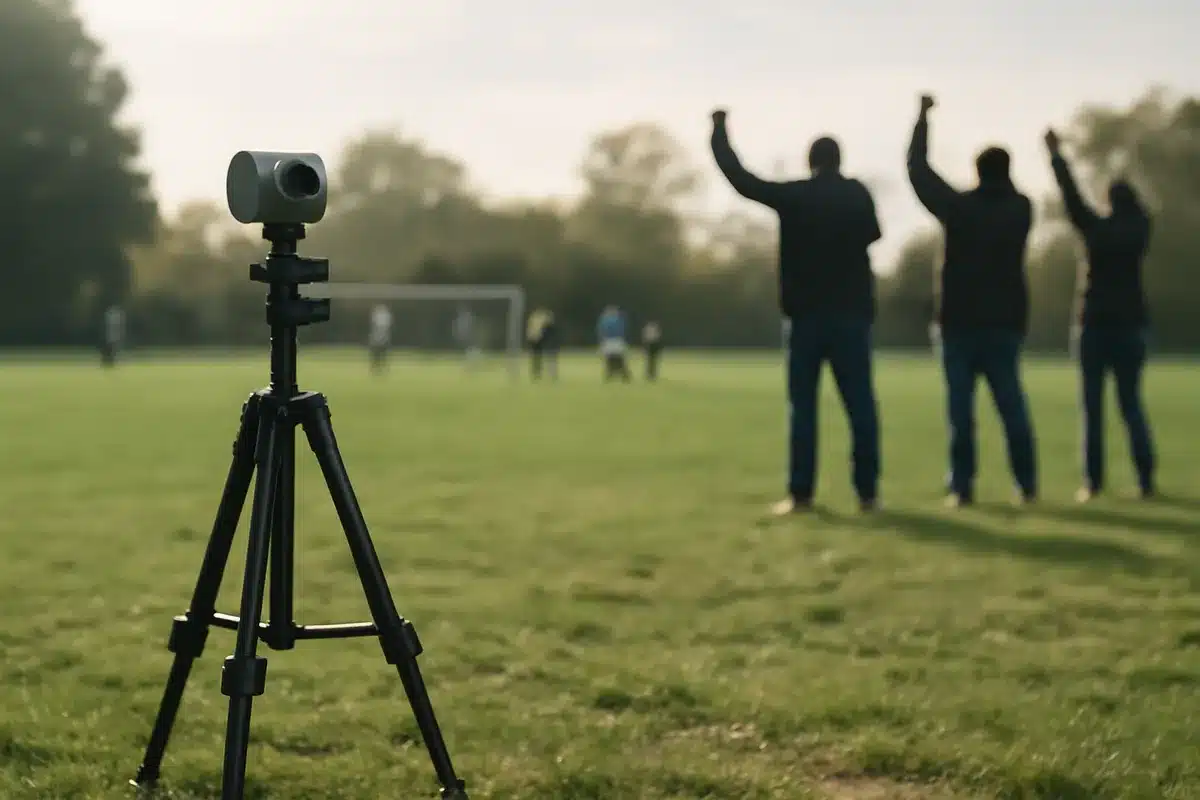
If your weekends now revolve around practices and matches, you’ll soon hunt for a better way to save those moments. Watching from the sidelines is one thing, but capturing that winning goal in steady, high-quality video without holding your phone is another. That’s where an AI-driven sports camera that pans, tilts, and zooms on its own becomes appealing to busy parents.
Why an AI sports camera makes sense for parents
Handheld recording is exhausting and often distracts from the game. Many parents want a simple solution: set a camera on a tripod, press record, and enjoy the match. That practical need fuels interest in cameras that track motion automatically.
Pusha T slams today’s rap: everyone can just be good and be the same
80s British indie bands that changed American alternative rock forever
- Hands-free recording keeps you present at the game.
- Automated tracking reduces missed highlights.
- Local recordings avoid streaming limits and data costs.
Subscription-free operation: the Falcon’s main selling point
Several established brands require cloud uploads and recurring fees to deliver automated highlights. The XbotGo Falcon takes a different route. It physically moves to follow play, so the heavy lifting happens on-device.
That approach eliminates constant cloud processing and recurring subscription payments. For a single parent recording a handful of matches, a one-time purchase often beats multi-year service contracts.
Price comparison and what you actually pay
The XbotGo Falcon lists for $799. That sticker may seem high, but compare it to rivals that tack on monthly service fees.
- Veo and similar systems: high device cost plus mandatory subscriptions.
- Upfront vs ongoing: Falcon is a single purchase with no annual fee.
- Accessory costs: plan for a tall tripod, often 12–13 feet or higher.
XbotGo also offers a compatible tall tripod around $189.99, though other brands will work if you prefer.
Key specifications you should know
- Video: 4K at 30fps or 1080p at 60fps
- Sensor: 1/1.8-inch Sony CMOS
- Battery: 9,600 mAh, roughly four hours of recording
- Motion: 360-degree rotation; 160-degree tilt
- Storage: MicroSD support up to 1TB (sold separately)
- Weight and size: ~1.8 lbs; compact footprint for its class
- Compatibility: Works with iOS and Android
How the Falcon differs from the Chameleon model
Both devices from XbotGo use AI to follow play, but they take different recording approaches. The older Chameleon relies on your smartphone to capture video. The Falcon adds an on-board recording camera, so you don’t have to mount a phone to the unit.
Pros of the Falcon design:
- You free up your phone for remote monitoring and other tasks.
- 4K onboard footage gives more latitude for editing and zooming.
- Swappable MicroSD makes storage management simple.
The Chameleon remains a lower-cost option at about $300 for those who want a budget entry and are fine using a phone as the recorder.
Setting up the Falcon at a youth soccer game
The Falcon arrives in a protective case and is noticeably larger than the Chameleon. Expect to spend a few minutes on initial setup and firmware updates before game day.
App pairing and initial configuration
Install the XbotGo app and pair your device. Use the app to select the sport and adjust tracking sensitivity before kickoff. Allow time for any firmware downloads during first use.
Placement tips for best tracking
- Mount the Falcon on a sturdy tripod near midfield.
- Raise the tripod to 12 feet or higher for a bird’s-eye view.
- Keep it centered and clear of sideline activity for best results.
You can add overlays like scoreboards, enable livestreams, or manually pan and zoom from the app. Physical buttons on the Falcon let you start recording if the unit is within reach.

Real-world tracking: how it performed on the field
After testing across several youth matches, the Falcon tracked the ball and action reliably for most of each game. It managed wide-field 11v11 play and smaller-sided formats with few interruptions.
- AI tracking accuracy was high: the device stayed on play about nine times out of ten.
- Manual intervention via the phone was rarely necessary.
- 4K footage allowed heavy crop and still maintain high quality for highlights.
When things go wrong: common quirks and limitations
No system is perfect. The Falcon has a few predictable blind spots and operational caveats to consider before you rely on it completely.
- Set pieces: Goal kicks, corners, and penalty kicks sometimes confuse the tracker.
- Sideline distractions: Nearby practice balls or adjacent fields can lure the camera away.
- Height matters: Low tripod placement reduces tracking accuracy; aim for elevated mounting.
- Watermark: All recordings include a visible XbotGo logo that cannot be removed.
Troubleshooting odd behaviors and connectivity
During one test the Falcon stopped recording mid-game without low battery or full storage. Support logs indicated a second device had remotely halted the session. That incident seemed isolated, but it underscores the need to monitor device permissions and app pairings.
Firmware improvements have helped address mis-tracking and distraction issues. XbotGo frequently issues updates that refine field boundary tools and tracking accuracy.
Practical tips for reliable results
- Always update firmware before game day.
- Run a practice calibration to confirm boundaries and sport settings.
- Bring spare MicroSD cards and a charger for long events.
- Keep a phone handy as a remote controller to nudge the camera when needed.
Support, updates, and how performance can improve over time
XbotGo has shown active support through firmware releases that add features and fix bugs. That ongoing development helps reduce false tracking and improve overall reliability. Expect performance to evolve as the company refines its AI models and adds new sport profiles.