Show summary Hide summary
- Fresh design: aluminum body, new colors, and a refined fit
- What changes under the hood and what stays the same
- Speed and everyday use: zippy, but not dramatically faster
- Accessories that reshape how you read: Page Turn Cover and Click remote
- Rotating display: why orientation matters more than you think
- Build quality versus price: does metal justify the premium?
- Who benefits most from this Kindle upgrade
Amazon’s latest Kindle Paperwhite Signature Edition arrives with a fresh metal skin and a few clever tricks that make it hard to ignore. The 2026 model borrows tablet cues, adds a rotating display and new accessories, and leans into a more premium feel that changes how the device fits into a reader’s routine.
Fresh design: aluminum body, new colors, and a refined fit
The Signature Edition no longer hides behind plastic. Amazon upgraded the chassis to an aluminum finish. That change alone shifts the device’s look.
Aerosmith and Run-DMC reunite for epic walk this way at Hollywood Bowl
Kodak Black collapses on stage: appears to have seizure-like symptoms
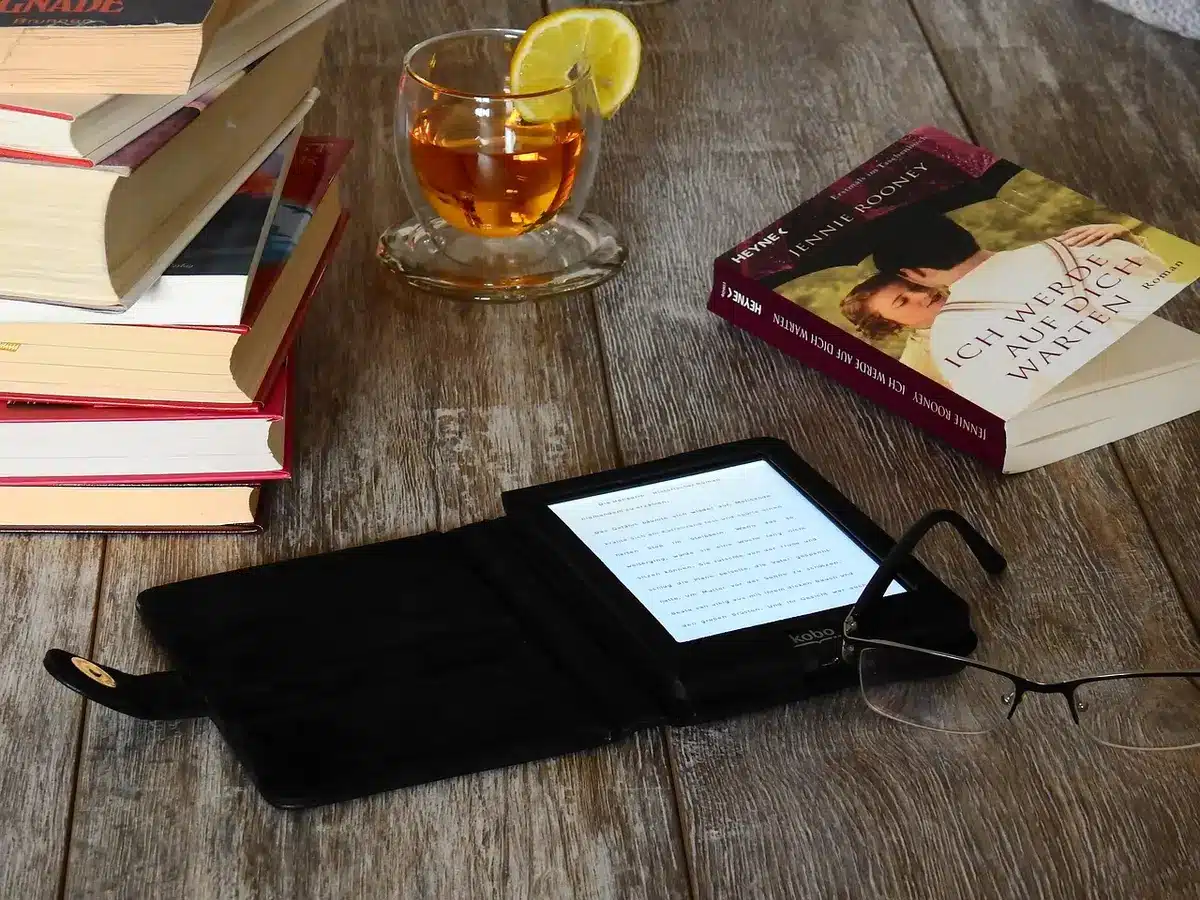
- Materials: Aluminum casing replaces plastic on the Signature Edition.
- Colors: New seaglass green joins neutral graphite.
- Size and weight: It is marginally thinner and lighter than the prior model.
- Button placement: Power moved from the bottom to the side for easier access.
The squared edges and cool metal make the Kindle feel closer to a compact tablet than a basic e-reader.
What changes under the hood and what stays the same
Amazon kept many of the Paperwhite essentials while adding a handful of premium features. Some specs match the standard model exactly.
Shared features
- 7-inch E Ink display with 300 ppi.
- Adjustable screen warmth and brightness.
- IPX8 water resistance.
- Long battery life measured in weeks.
Signature-only upgrades
- Storage: 32GB vs 16GB on the base Paperwhite.
- Charging: Wireless charging support on the Signature Edition.
- Automatic light adjustment: Ambient sensor adjusts display brightness.
- Ad-free lockscreen: Cleaner, premium experience out of the box.
- Rotating screen: Orientation flips for left- or right-handed reading.
Price gap matters: the standard Paperwhite is cheaper and uses a plastic shell. The Signature Edition trades that saving for more storage and a premium finish.
Speed and everyday use: zippy, but not dramatically faster
Kindles are known for snappy page turns and responsive menus. This Signature Edition keeps that tradition.
- Navigation is smooth and reliable.
- Amazon touted major speed gains for the base model this year, but the Signature Edition felt comparable to last-gen Signature units.
- If you already own a 2024 Signature model, you may not notice a meaningful increase in processing speed.
That said, strong performance remains one of the Kindle’s core strengths.
Accessories that reshape how you read: Page Turn Cover and Click remote
Amazon launched new accessories alongside the 2026 Kindles. They change how you interact with the device.

- Kindle Click remote: A standalone page-turning remote that pairs with multiple 2024 and 2026 Kindles.
- Page Turn Cover: A magnetic case with physical page-turn buttons. It is exclusive to the 2026 Signature Editions.
- Price note: The Page Turn Cover is sold separately and adds to the total cost.
The cover snaps on cleanly and the buttons are tactile. For readers who miss physical page-turn keys, this is the closest Amazon has offered since discontinuing buttoned Kindles.
Rotating display: why orientation matters more than you think
The Signature Edition supports a rotating screen. That feature pairs well with physical page controls.
- Rotate the Kindle to switch handedness without changing your grip.
- A rotation lock option prevents unwanted flips during reading.
- We encountered a unit with a rotation bug. Amazon replaced it and the feature then worked consistently.
For side sleepers and readers who switch hands often, rotation plus the Page Turn Cover is a real ergonomic win.
Build quality versus price: does metal justify the premium?
The aluminum shell raises the perceived value. It looks and feels more upscale than the plastic Paperwhite.
- Seaglass green is a standout option for color-minded buyers.
- Squared edges and a lighter frame give a modern, refined impression.
- The improved finish is the primary factor that supports the higher price.
Material upgrades are the clearest reason to consider the Signature Edition.
Who benefits most from this Kindle upgrade
The Signature Edition targets readers who want premium materials, more local storage, and flexible ergonomics.
- Choose the Signature Edition if you want wireless charging and 32GB storage.
- Pick the Page Turn Cover if you miss physical buttons and plan to use the rotating screen.
- If budget is tight, the standard Paperwhite still delivers the key reading experience at a lower cost.