

Show summary Hide summary
- How to return Amazon orders in 2026: quick step-by-step
- On the app vs the website: small differences that matter
- Where your refund goes and how long it takes
- Drop-off locations and pickup choices
- Common exceptions and products that can’t be returned
- Third-party seller returns and the A-to-z option
- Fees, potential surprises, and timing quirks
- Damage, missing parts, and exchanges
- How to handle missing return options or errors
- Smart habits to avoid return headaches
Bought something on Amazon and had second thoughts? Whether Prime Day deals tempted you or a package arrived damaged, returning items in 2026 is still straightforward. This guide walks you through the current process, what to watch for, and how to get your money back fast.
How to return Amazon orders in 2026: quick step-by-step
- Sign in to amazon.com or open the Amazon app.
- Navigate to your Orders list.
- Find the purchase and select Return or replace items.
- Pick a reason from the drop-down menu, then click Continue.
- Choose your refund method and a return location or pickup option.
- Follow on-screen instructions to print a label or get a QR code for drop-off.
80s British indie bands that changed American alternative rock forever
Pearl Jam drummer quits after 27 years: band says where things stand

On the app vs the website: small differences that matter
- App users tap the three-line menu, then Orders.
- Some options only appear after selecting the specific item in the app.
- QR codes are often used for in-store drop-offs to speed processing.
Where your refund goes and how long it takes
You can usually choose between a refund to your debit/credit card or an instant credit to your Amazon account. Card refunds often take several business days. Credits to your Amazon balance can post immediately. Processing times vary by payment method and bank.
Drop-off locations and pickup choices
Amazon gives several return routes. Availability depends on your address and the item.
- Free drop-off at locations like UPS, Kohl’s, Whole Foods, Staples, or an Amazon Store.
- Schedule a UPS pickup for a fee (often around $7.99).
- Some drop-off sites accept returns without original packaging or a printed label. Bring the QR code or the item barcode.
Tips for a smooth drop-off
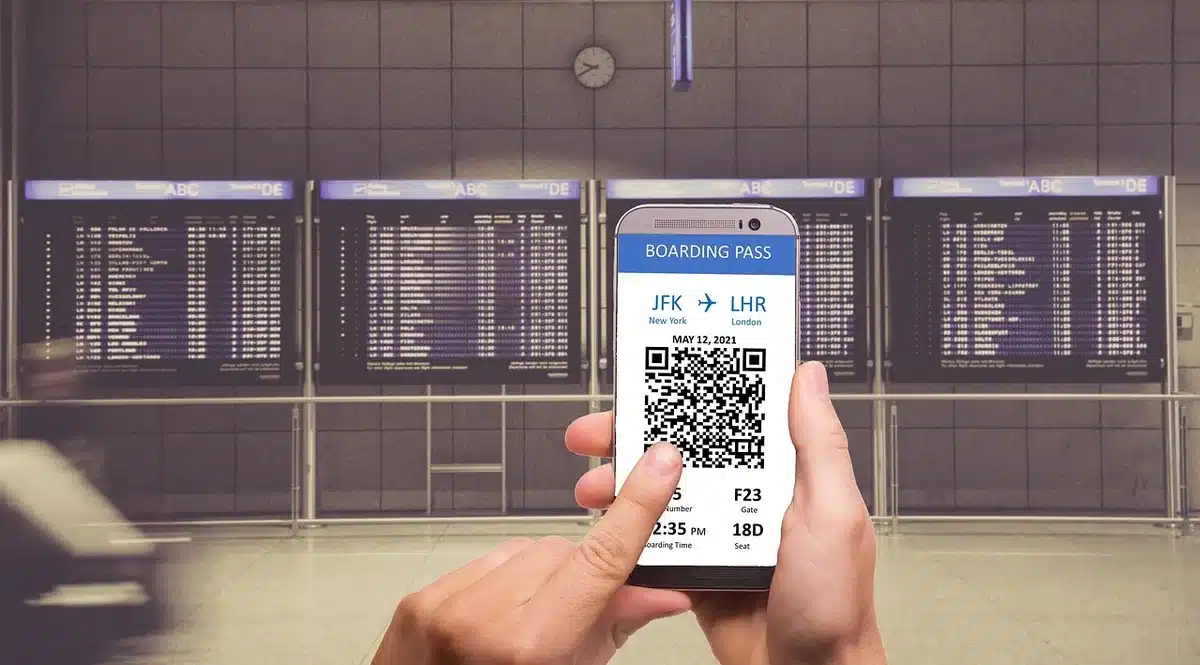
- Keep the QR code on your phone until the return is scanned.
- Take a photo of the item and packing, especially if damaged.
- Bring proof of drop-off if the kiosk or staff provides a receipt.
Common exceptions and products that can’t be returned
Not every purchase qualifies for a standard return window. Read the product page and seller policy before buying.
- Digital content, gift cards, and many grocery items are non-returnable.
- Some luxury goods and opened items may be final sale.
- Third-party sellers can set their own rules. Their return window may differ from Amazon’s.
Third-party seller returns and the A-to-z option
If a marketplace seller handles the sale, check their listed return policy first. If the seller won’t resolve the issue, you can file an A-to-z Guarantee claim through Amazon. This covers many problems, including items that never arrived or arrived damaged.
Fees, potential surprises, and timing quirks
Many returns are free, but fees can appear in some scenarios.
- A small fee may apply if you return via a UPS Store while a closer Amazon-owned location exists.
- Holiday return windows sometimes change. Prime Day and seasonal sales may extend the return period.
- Restocking or shipping fees can apply for certain categories or international orders.
Damage, missing parts, and exchanges
Received a broken item or the wrong product? Choose the appropriate reason during the return process. Amazon often offers a replacement rather than a refund for eligible items.
- Select “Item defective or doesn’t work” for damaged goods.
- Pick “Wrong item was sent” if you received something else.
- Keep photos and order information in case you need support.
How to handle missing return options or errors
- If the return button is missing, verify the order date and item eligibility.
- Contact Amazon Customer Service through chat or phone for stuck returns.
- Keep screenshots of error messages and any correspondence.
Smart habits to avoid return headaches
- Read the product page for size, return rules, and seller details before buying.
- Unbox and inspect items promptly. Report damage within the return window.
- Hold on to packaging until the return is complete, unless instructed otherwise.
- Document everything: photos, timestamps, and receipts.










